Professional Area
 Distributors
 us
us


Why is menu design important in a restaurant?
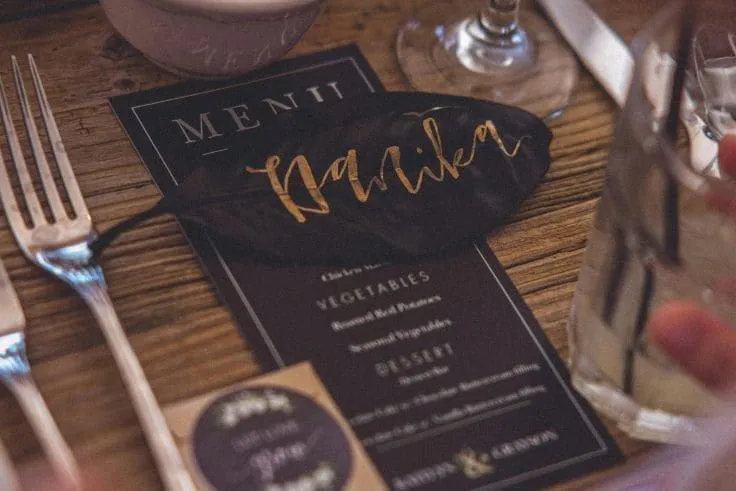
The menu design is the first impression customers get of a restaurant’s food offering. A well-designed menu can grab customers’ attention and make them feel drawn to the dishes being offered. Plus, an appealing menu can boost the perceived value of the dishes and make customers more willing to spend more on their meal.
Types of restaurant and bar menus
There are several menu formats that adapt to the needs and style of each establishment:

Classic paginated menu
This traditional format presents dishes across several pages, usually organised into categories such as starters, main courses, and desserts. It’s perfect for restaurants with a wide range of options.
Disposable menu
Mainly used in situations where hygiene is a priority—like during pandemics—these single-use menus help ensure customer safety. They’re common in fast-food places or temporary events.
QR code menu
With digitalisation, many restaurants now offer menus accessible through QR codes. Customers simply scan the code with their phones to access the digital menu, reducing physical contact and allowing frequent updates without printing costs.
Single-page menu
Great for spots with a limited but curated selection. This layout makes decision-making easier and stands out for being simple and straightforward.
Menu with images
Adding high-quality photos of the dishes can help customers visualise the options and increase their appetite. It’s especially helpful in ethnic restaurants or places offering unfamiliar dishes.
Other menus
Wine list
A detailed selection of wines, organised by type, origin, or vintage, that complements the food offering and enhances the overall dining experience.
Dessert menu
Highlights available dessert options, often with tempting descriptions and sometimes photos to attract dessert lovers.
Gluten-free menus
Provides clearly marked gluten-free options, ensuring customers with food intolerances can order safely and confidently.
Vegan menus
Showcases dishes free from animal products, meeting the growing demand for vegan options and demonstrating the restaurant’s commitment to different dietary preferences.
Characteristics of a well-structured menu
An effective menu should meet the following criteria:
Clear and straightforward
Dish descriptions should be concise and easy to understand, avoiding culinary jargon that might confuse customers.
Organised
A logical structure, grouping dishes into clear categories, makes it easier for customers to navigate and make decisions.
Brand-aligned design
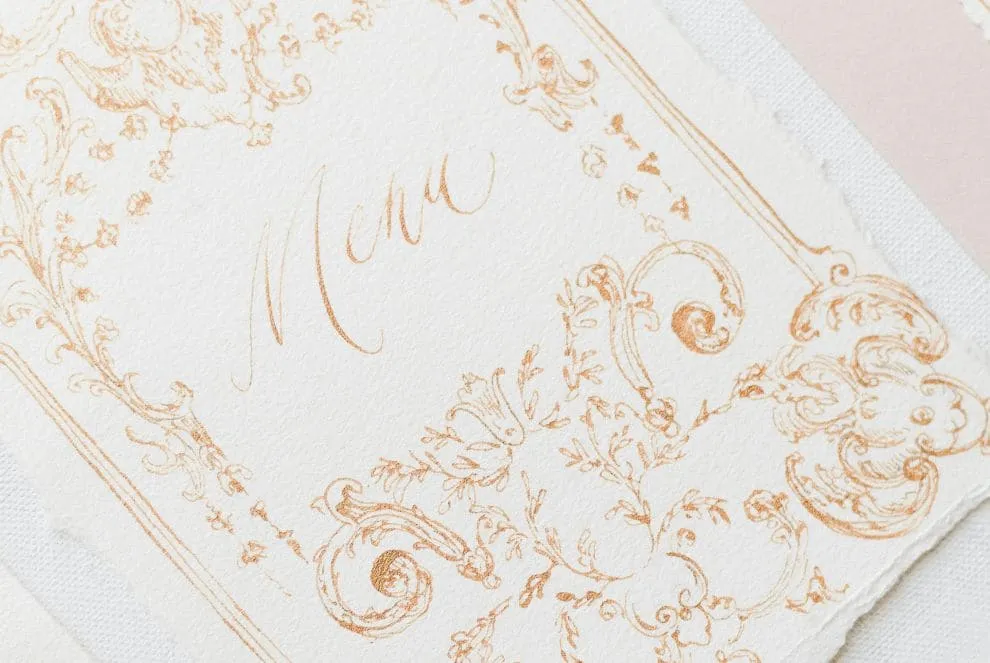
The menu should reflect the restaurant’s brand identity, using colours, fonts, and graphic elements that match its overall image. This helps strengthen brand recognition.
Allergies and cross-contamination
It’s essential to clearly identify allergens in each dish and take steps to prevent cross-contamination, ensuring the safety of customers with food allergies.
Languages
In tourist areas or places with international clientele, offering the menu in multiple languages improves accessibility and the overall customer experience.
Notes on extra charges: patio seating, service fees, etc.
Being upfront about additional charges—like patio service fees or cover charges—helps avoid misunderstandings and builds trust with customers.
Tools with menu templates
There are several online tools that make it easy to create attractive, professional-looking menus:
Canva
Canva offers a wide range of customisable restaurant menu templates. Its intuitive interface makes it easy to tweak designs to suit each establishment’s needs.
Adobe Express
Adobe Express provides menu templates that are easy to customise, allowing users to create professional-quality designs without needing graphic design experience.
Menu Maker
Menu Maker is a graphic design tool that helps you create menus in just minutes, offering a selection of pre-designed templates that can be customised to fit the restaurant’s needs.
Microsoft Create
Microsoft Create offers professionally designed menu templates that can be customised in Word, making it simple to create attractive menus that stay true to the restaurant’s branding.
Dmenu
Dmenu is a tool that lets you create interactive digital menus, making it easy to update dishes and prices while offering customers a modern experience.
Design tips for creating an appealing menu
To design a menu that grabs attention and enhances the dining experience, keep these tips in mind:
Color palette aligned with the brand
Use colours that reflect the restaurant’s identity and match its décor and style. This helps reinforce the brand and creates a cohesive atmosphere for customers.
High-quality, real images
Including real, high-quality photos of the dishes can boost customers’ appetites and help them make better choices. Make sure the images accurately represent the actual presentation of the dishes.
Use simple, easy-to-read fonts
Choose clean, legible fonts and avoid overly decorative ones that might be hard to read, especially in low-light settings.
Leave space between sections to improve readability
Using white space and clear separation between sections helps make the menu easier to read and prevents it from feeling overwhelming, improving the customer’s browsing experience.
A well-designed menu is a powerful tool for any restaurant. It not only enhances the customer experience but also strengthens the brand and can boost sales. By using the tools and tips mentioned, restaurant owners can create menus that delight their customers and help drive business success.